
Adventurer_AD5M_AD5M Pro_AD5X Light Board
Adventurer_AD5M_AD5M Pro_AD5X Light Board
Product Introduction
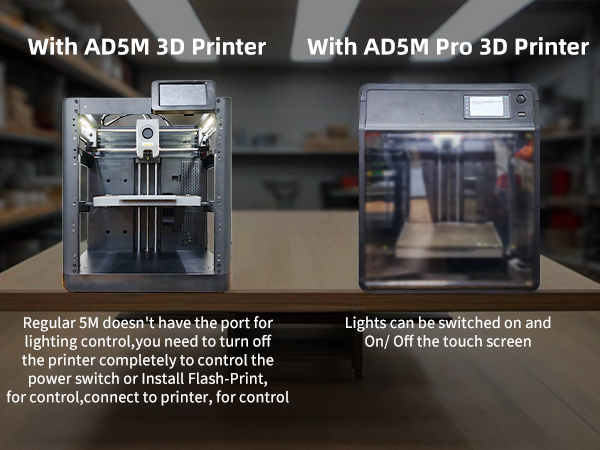
Compatible Printers:
AD5M, AD5M Pro, AD5X etc.
AD5M
Assembly Steps
You can watch the assembly video.
You can also scan the QR code to view.

You can also upgrade the AD5M system to AD5M PRO, which allows you to control the light strip's on/off state via the display screen.
You can watch the assembly video.
You can also scan the QR code to view.

Assembly Steps
-
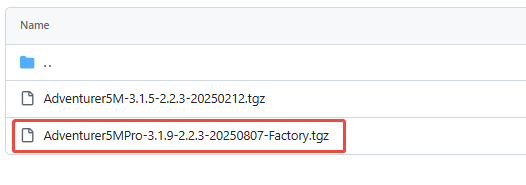
Download AD5M PRO system. Or scan the QR code below to download.

-
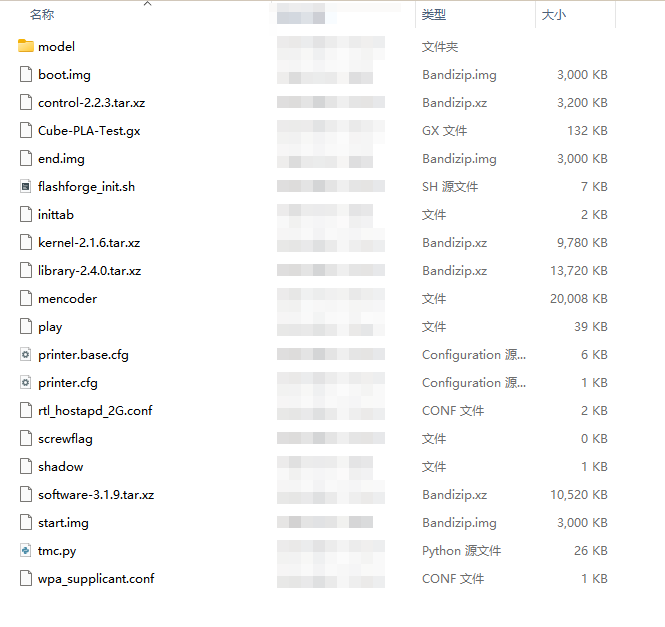
Then extract the system to the root directory of the USB drive (the USB drive must be less than 16GB and formatted as FAT32).
-
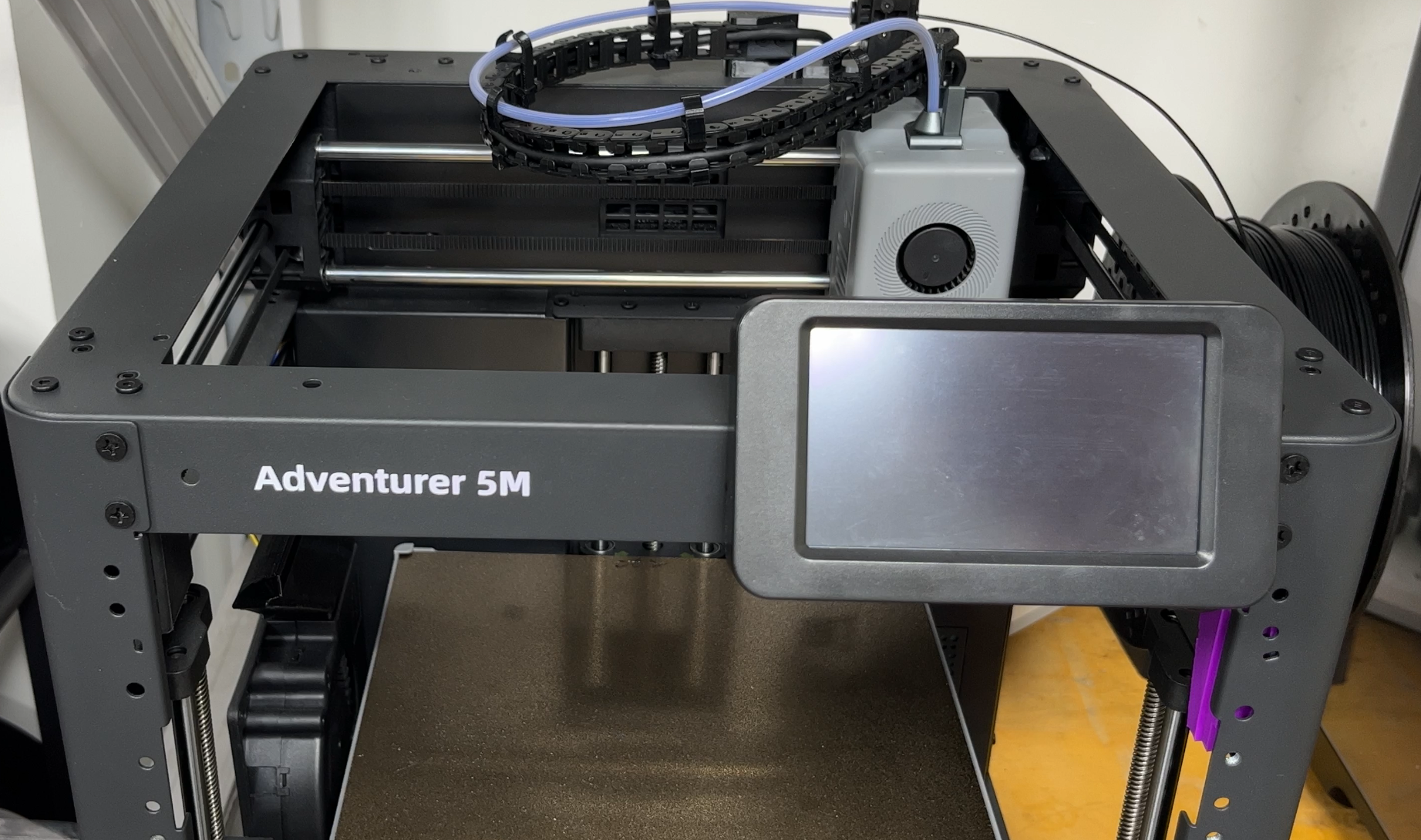
Turn off the machine.
-
Insert the USB drive and then start the machine.
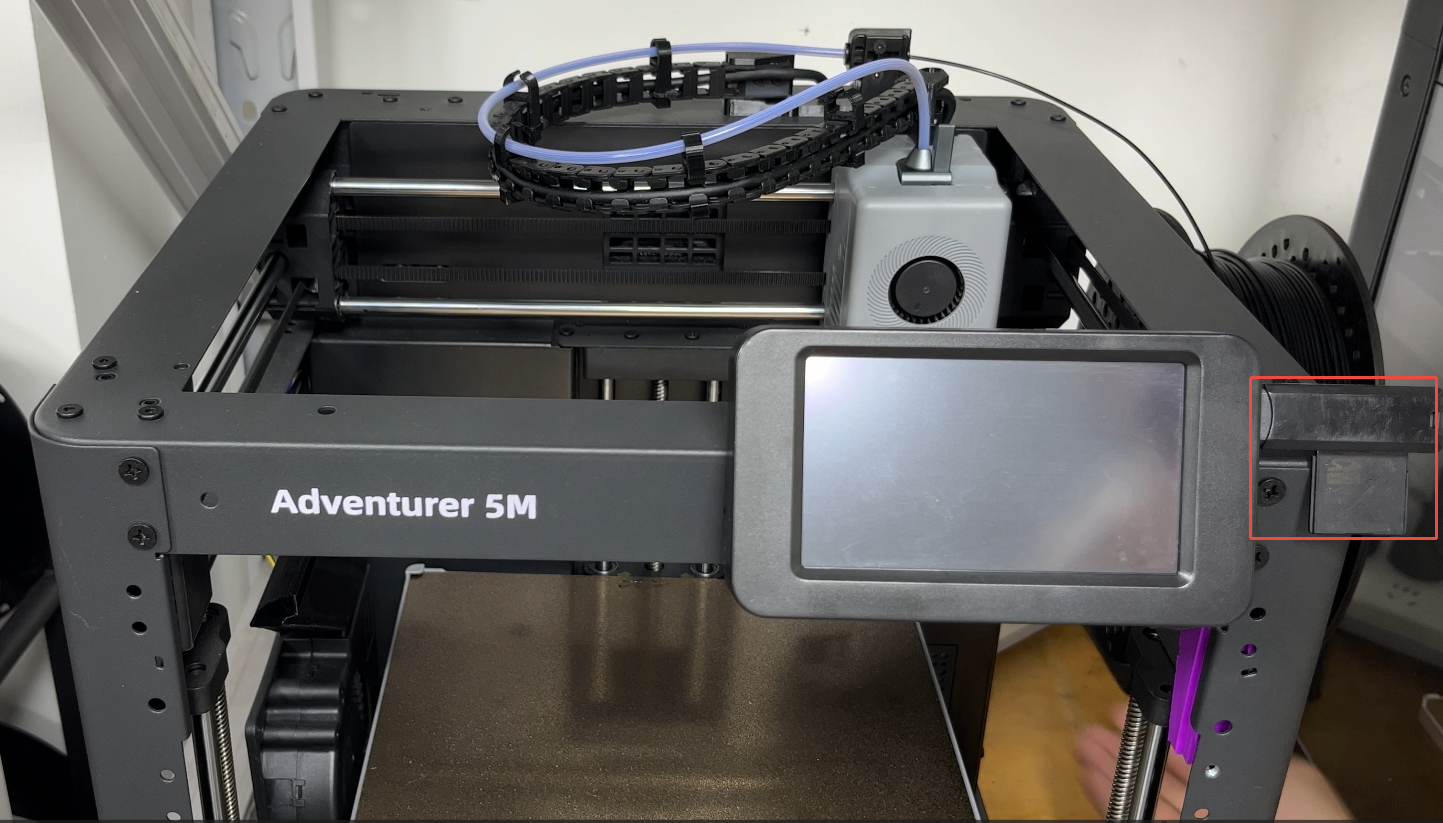
-
The machine will display an automatic upgrade interface.
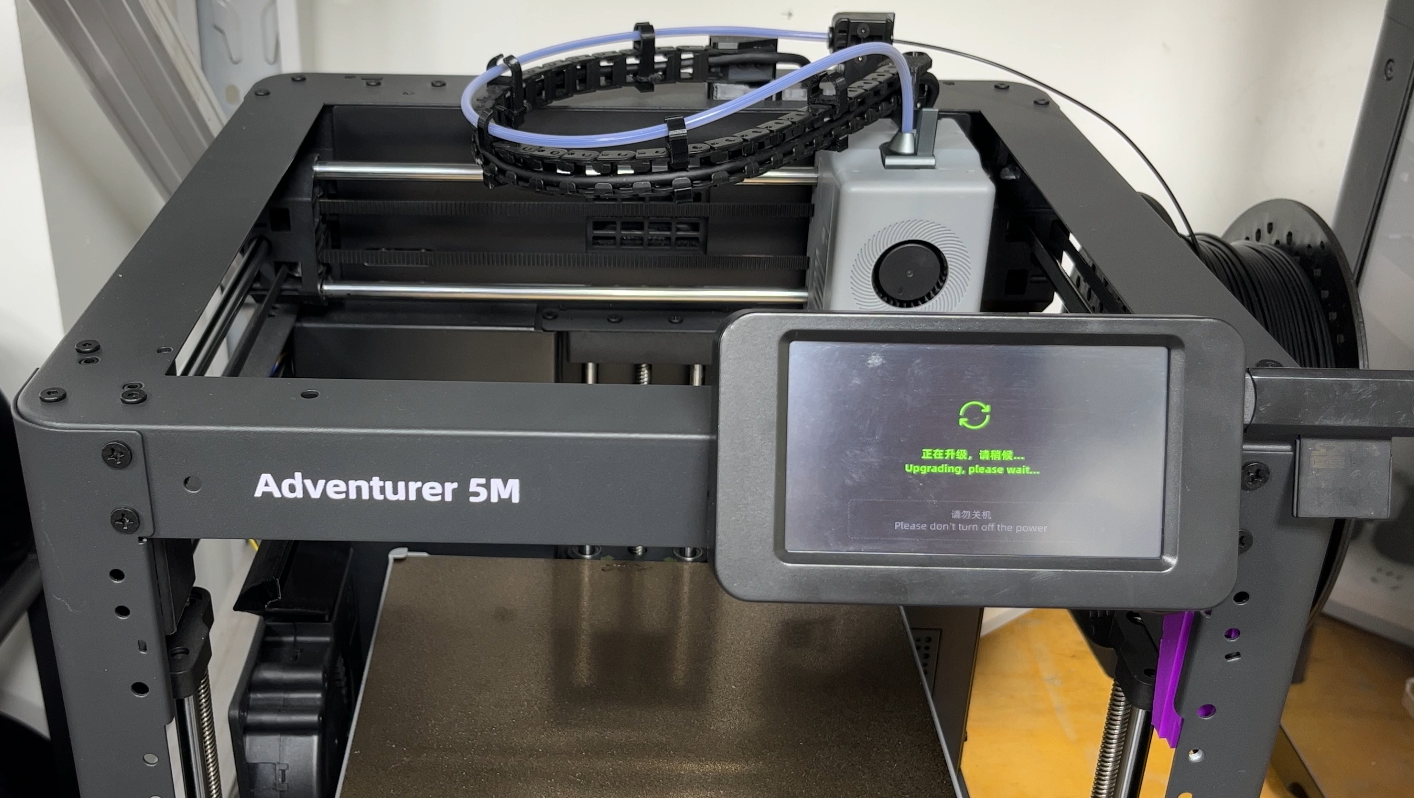
-
After the upgrade is successful, turn off the power.
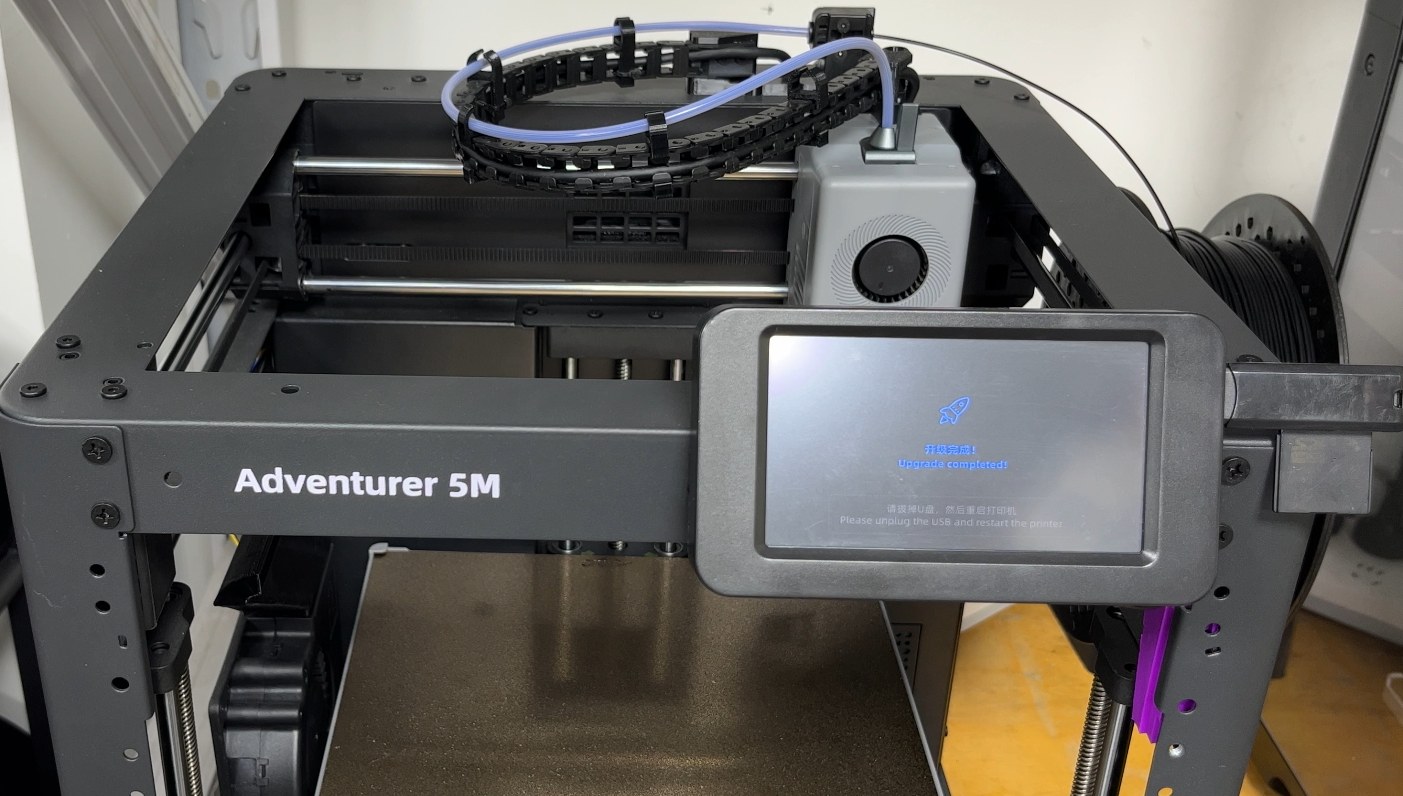
-
Unplug the USB drive and then restart the machine.
-
Waiting for the system upgrade to complete.
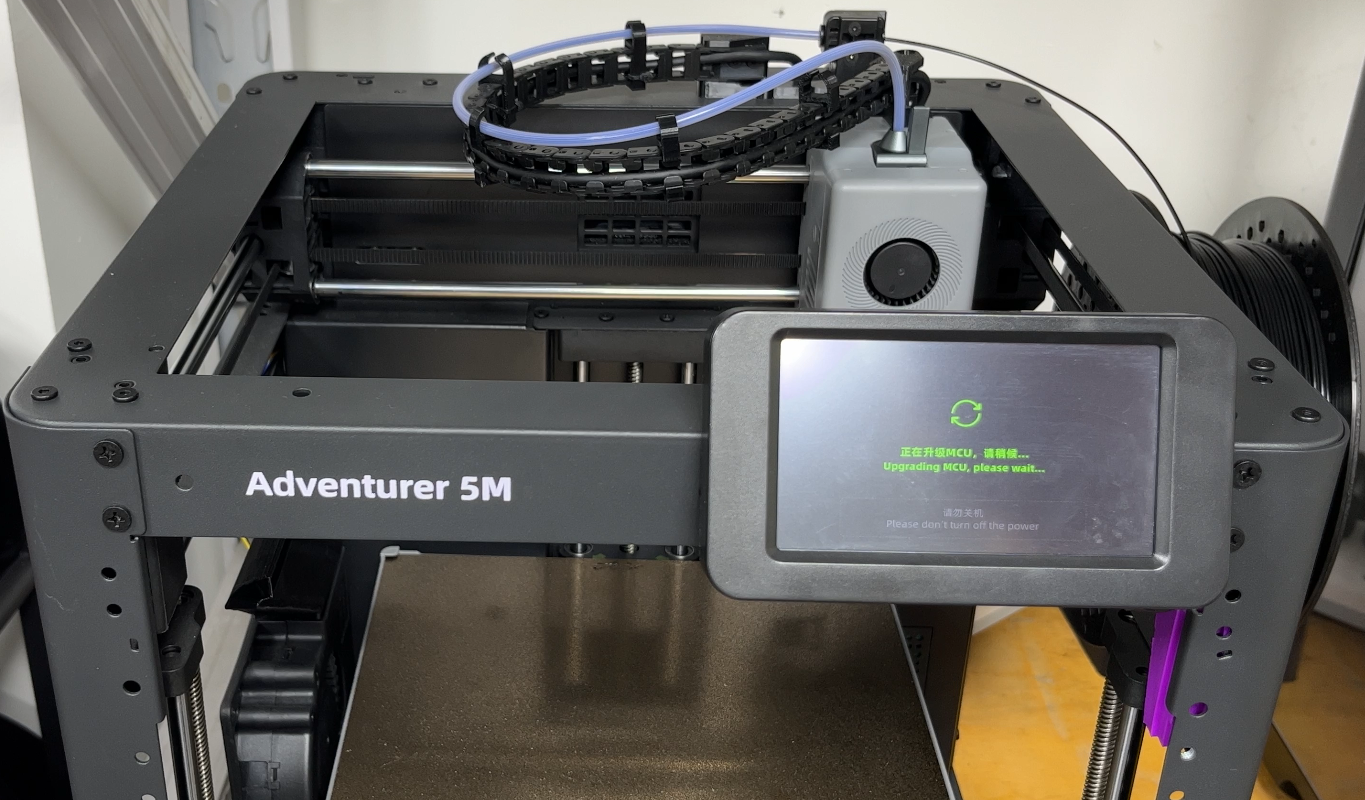
-
Upgrade complete.(Downgrading the system to AD5M is the same operation.)
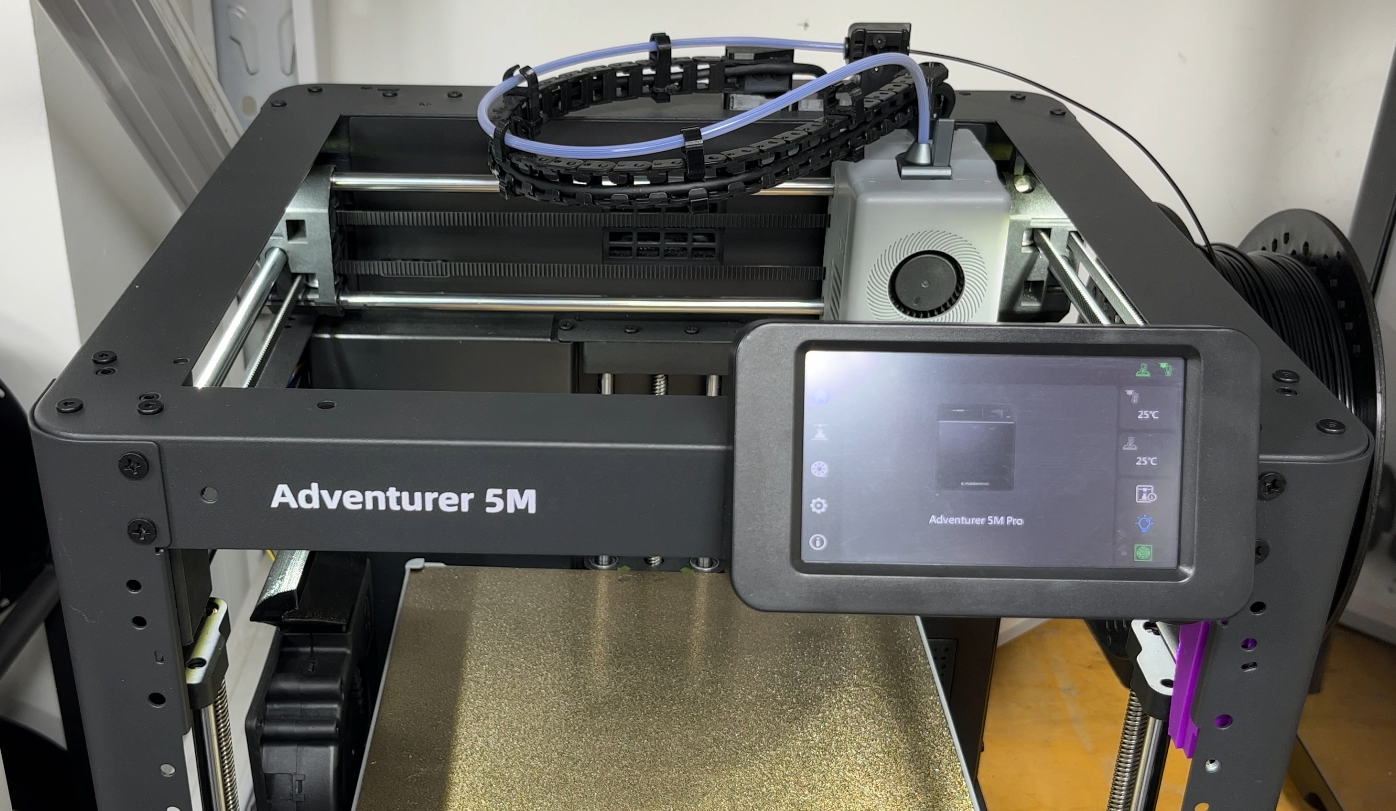
AD5M Pro
Assembly steps
You can watch the assembly video.
You can also scan the QR code to view.

AD5X
Assembly steps
You can watch the assembly video.
You can also scan the QR code to view.

Attention
Refer to the assembly tutorial to avoid installation errors.
FAQ
- Q: How to install to my 3D printer? A: You can watch the assembly video.
- Q:Does the installation require additional printed fixtures? A:Yes.
Attachments
- STL.

Shop
Tech Support
facebook group:https://www.facebook.com/groups/197476557529090/
Tech Support Email: hunter@fysetc.com